Suggest the side when they pick the dish.
Pick add-ons for each dish. Customers see them under “Goes well with” when they open it.
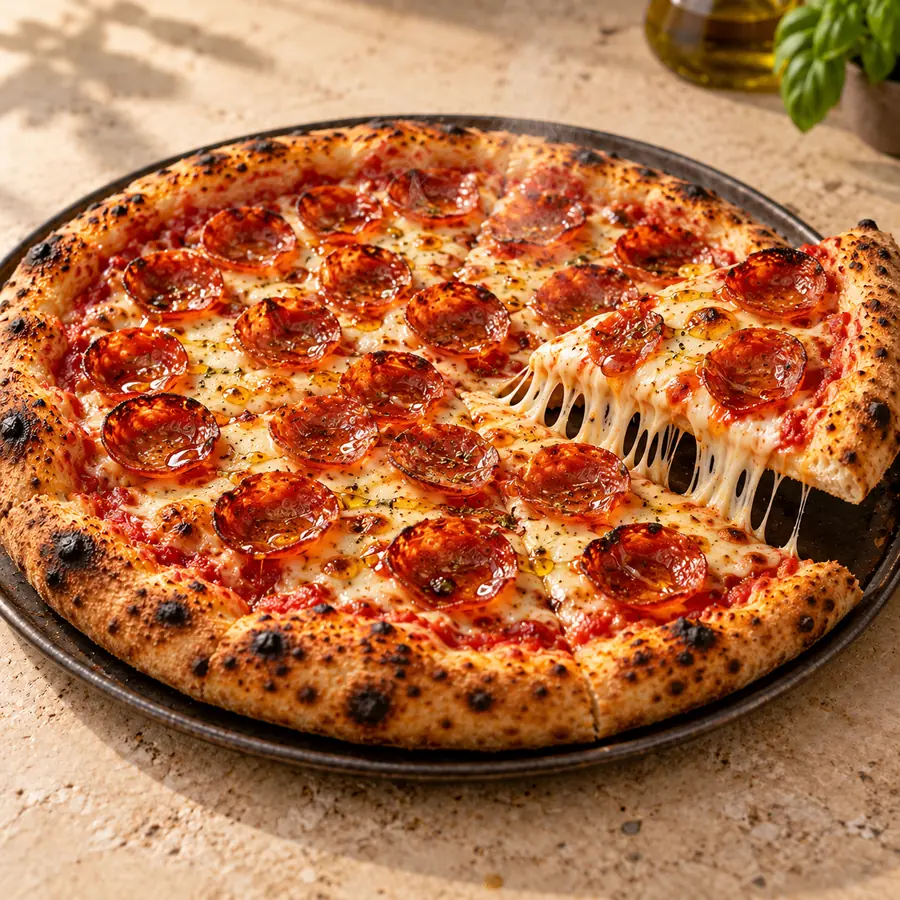
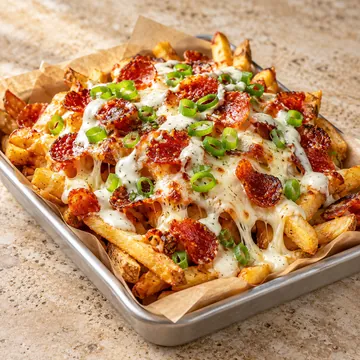
The demo restaurant's dish sheet for Pepperoni Pizza on a phone, with its photo and two suggestions under Goes well with: Garlic Knots and Loaded Fries.

How a suggestion works
- 1
You pick add-ons for a dish in your menu editor
- 2
A customer opens that dish
- 3
Your picks show under Goes well with
- 4
One tap adds one to the order
What's included
- Up to four add-ons per dish, picked by you
- Shown under “Goes well with” when a customer opens the dish
- Your most-ordered dishes fill in where you haven't picked any
- Nothing already in the cart is suggested again
- A “Complete your order” strip in the cart
Questions owners ask
Who decides what's suggested?
You do. Pick up to four add-ons for each dish in your menu editor. Where you haven't, your most-ordered dishes fill in.
Take control of your restaurant's direct business.
See a live restaurantDemo restaurant(opens in a new tab)20-minute call. We show WunTab on your own menu. No pressure.