Your menu is your storefront.
Categories, photos, prices and choices, on your own website, ready to order from.
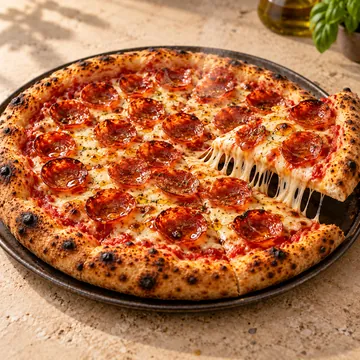
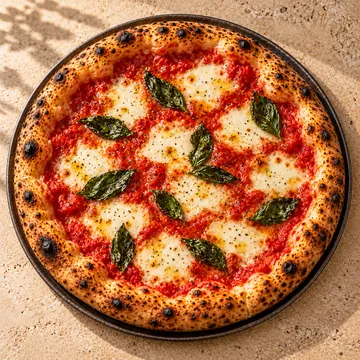
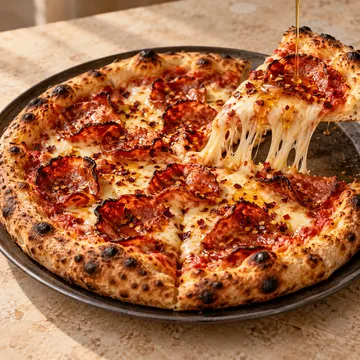
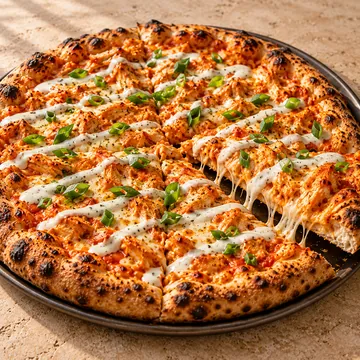
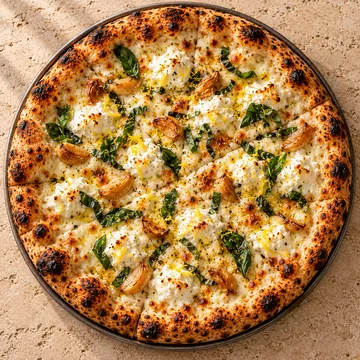
The demo restaurant's online menu on a phone: the Pizzas category, each pizza with its name, price, description and photo.

How your menu gets online
- 1
We load your menu, photos and prices
- 2
Customers open it on your website
- 3
They pick a dish and its options
- 4
Sold-out dishes stay off until you put them back
What's included
- Your menu by category, with a photo, price and description for each dish
- Choices and add-ons, like spice level and extras, with their prices
- Search across the whole menu
- A Most ordered list once orders come in
- Mark a dish sold out and it comes off the menu until you put it back
Questions owners ask
What happens when a dish runs out?
Mark it sold out in your dashboard. It comes off your online menu straight away, until you mark it available again.
Can customers see photos?
Yes. Each dish can have a photo, shown on the menu and when the customer opens the dish.
Take control of your restaurant's direct business.
See a live restaurantDemo restaurant(opens in a new tab)20-minute call. We show WunTab on your own menu. No pressure.