Every order, from new to done.
See incoming, in-progress, ready, and completed orders. Pause ordering, set prep times, and get every order to the kitchen.
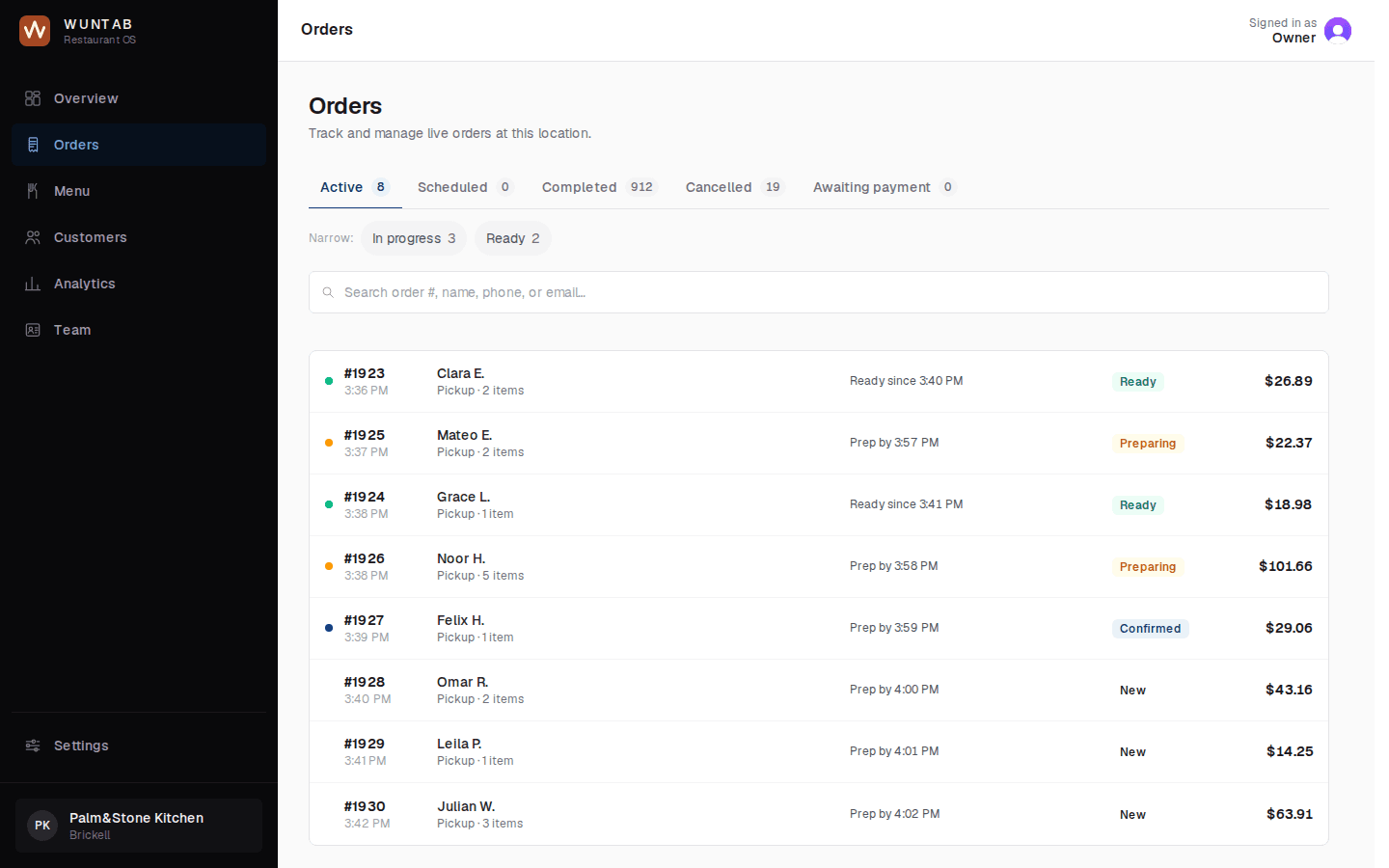
How an order moves through your kitchen
1
A new order arrives in your dashboard
2
It goes to your POS or kitchen printer
3
Your team marks it preparing
4
Then ready
5
Then completed
In the product
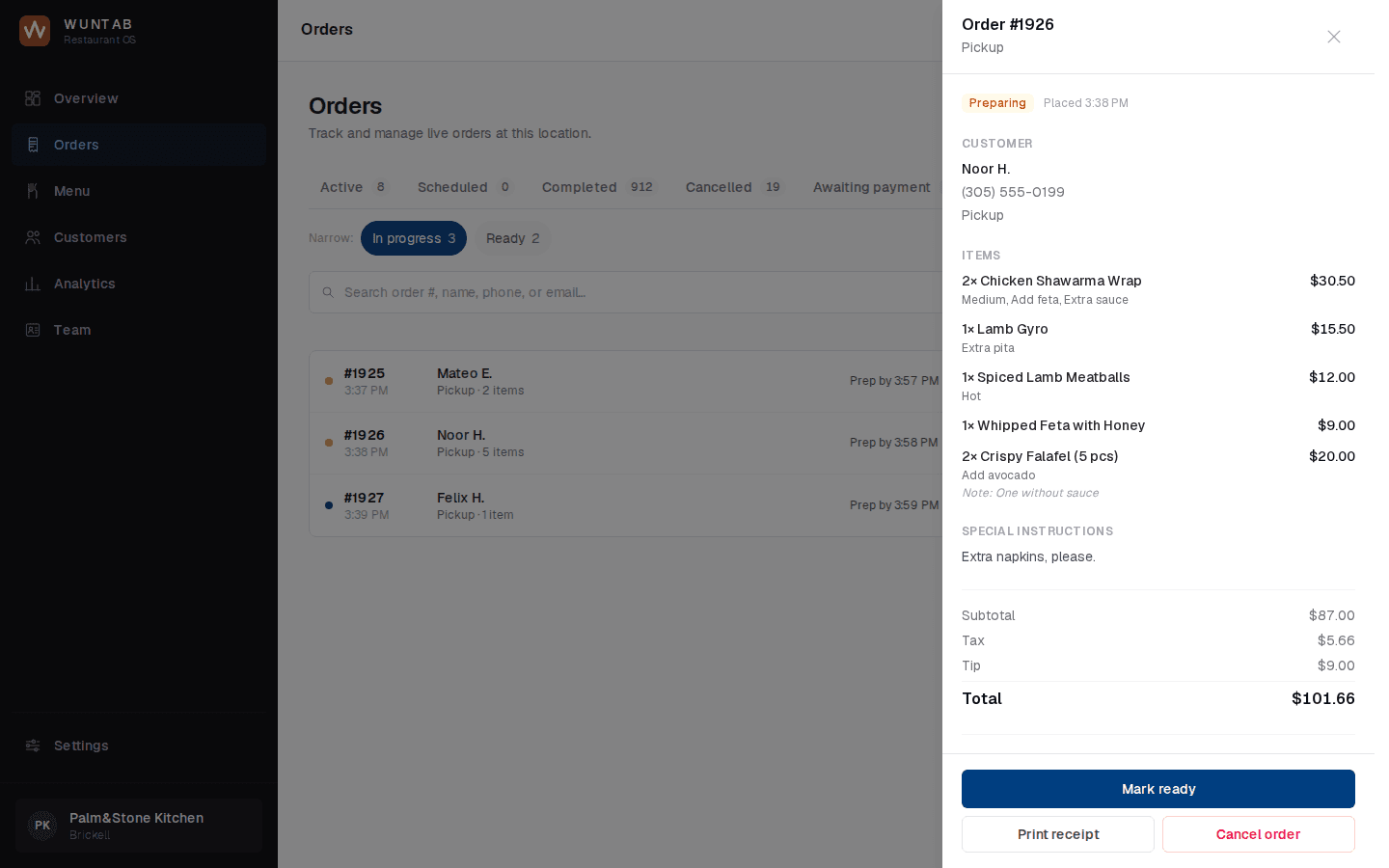
One order in detail
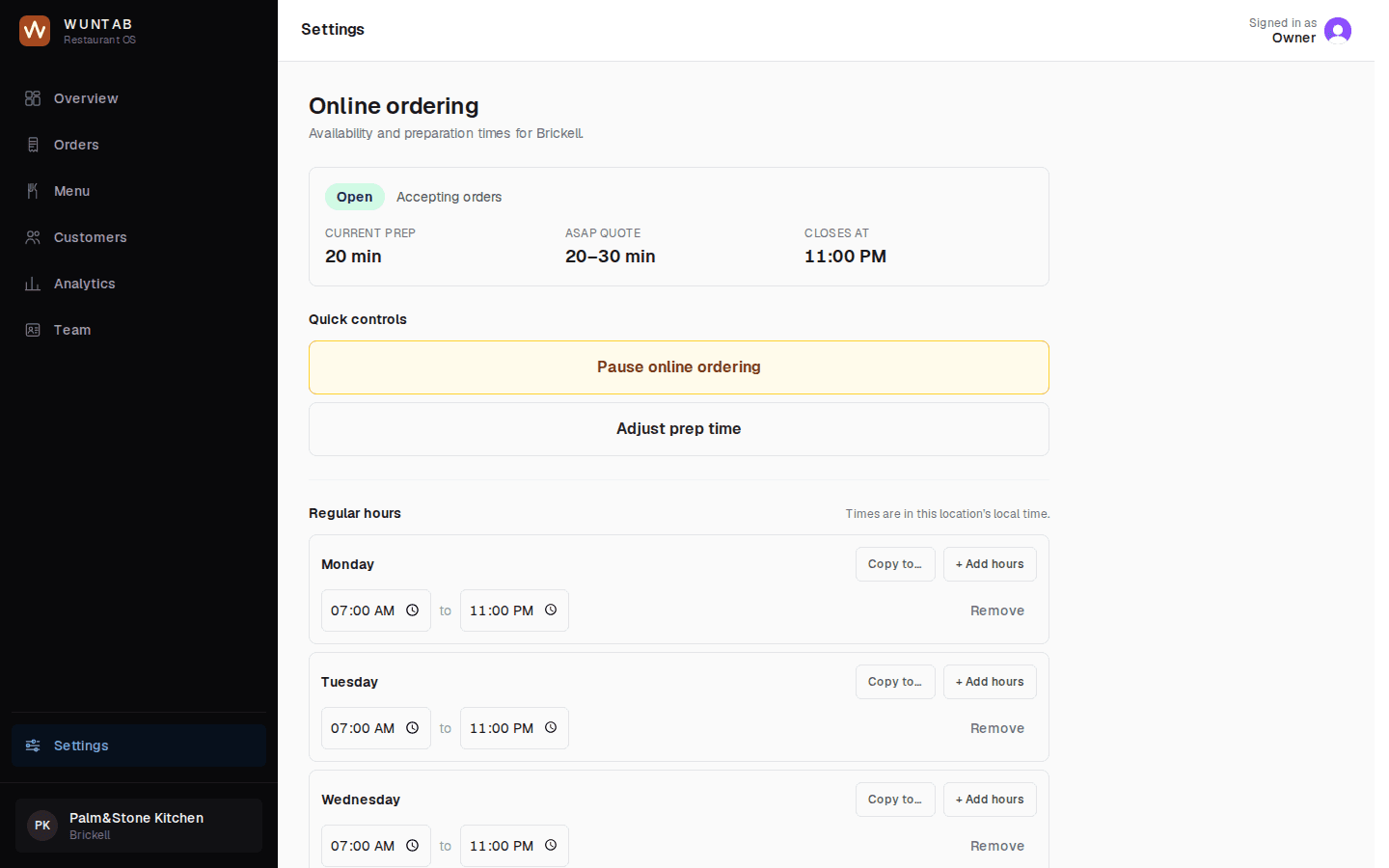
Hours, pause ordering, and prep time
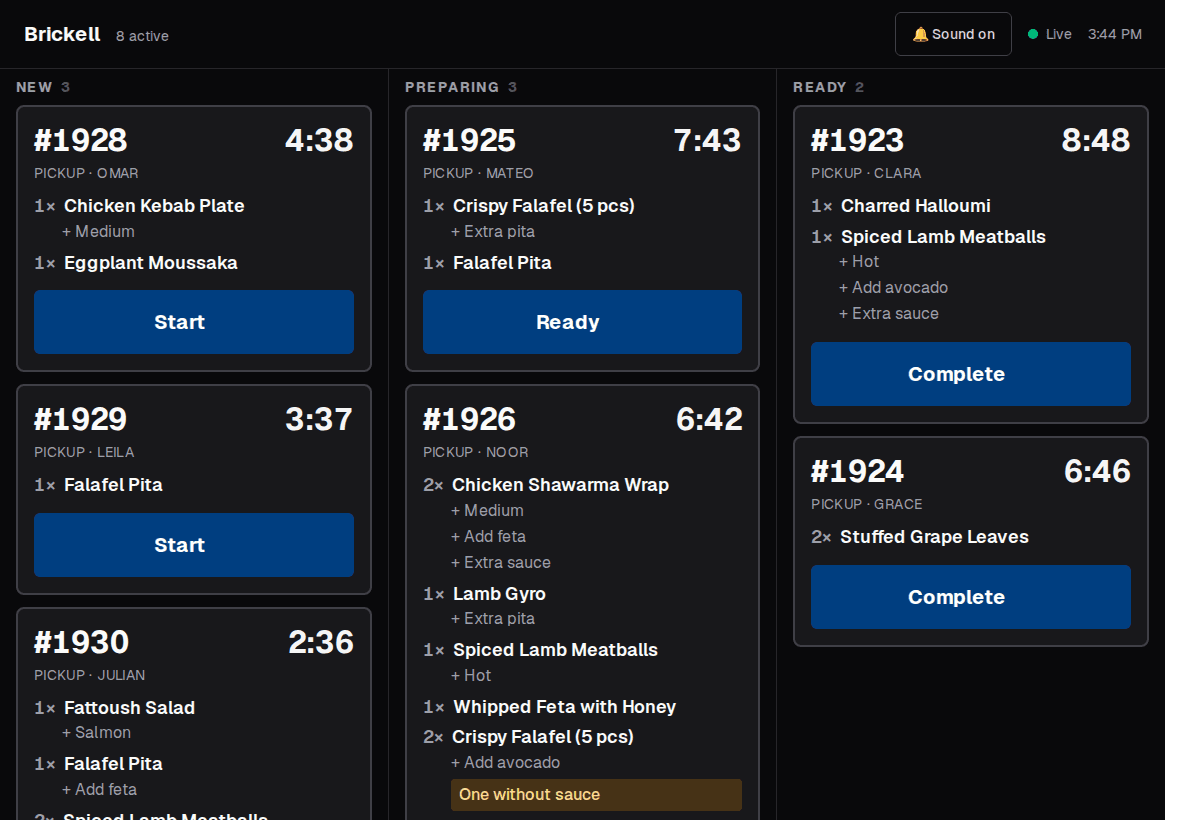
Kitchen display on a tablet
What's included
- Incoming, in-progress, ready, and completed orders
- Restaurant hours
- Pause online ordering with one tap
- Prep-time controls
- Orders go into your POS. If your POS isn't compatible, they go to a kitchen printer
- A kitchen display for the line
Works with
- Kitchen DisplayOrders on a kitchen screen.
- DeliveryOffer delivery without your own drivers.
- Menu ManagementChange the menu once, everywhere.
- PaymentsFast checkout, paid into your own account.
Questions owners ask
Does it work with my POS?
WunTab connects to your POS. If your POS isn't compatible, orders go to a kitchen printer.
Can I stop orders when we're slammed?
Yes. Pause online ordering with one tap, for a set time or until you turn it back on.
Can I change prep times?
Yes. Set your usual prep time, and raise it during a rush so customers see a realistic ready time.
Take control of your restaurant's direct business.
A short call. We will show you WunTab on your own menu.