Take orders on your own website, under your own name.
Pickup, delivery, and scheduled orders through a branded ordering experience that looks like your restaurant, not a marketplace.
How an online order works
1
Customer opens your menu on your website
2
Picks dishes, add-ons, and a time
3
Pays at checkout, with a tip if they like
4
The order reaches your kitchen
5
Customer gets updates until it's ready
In the product
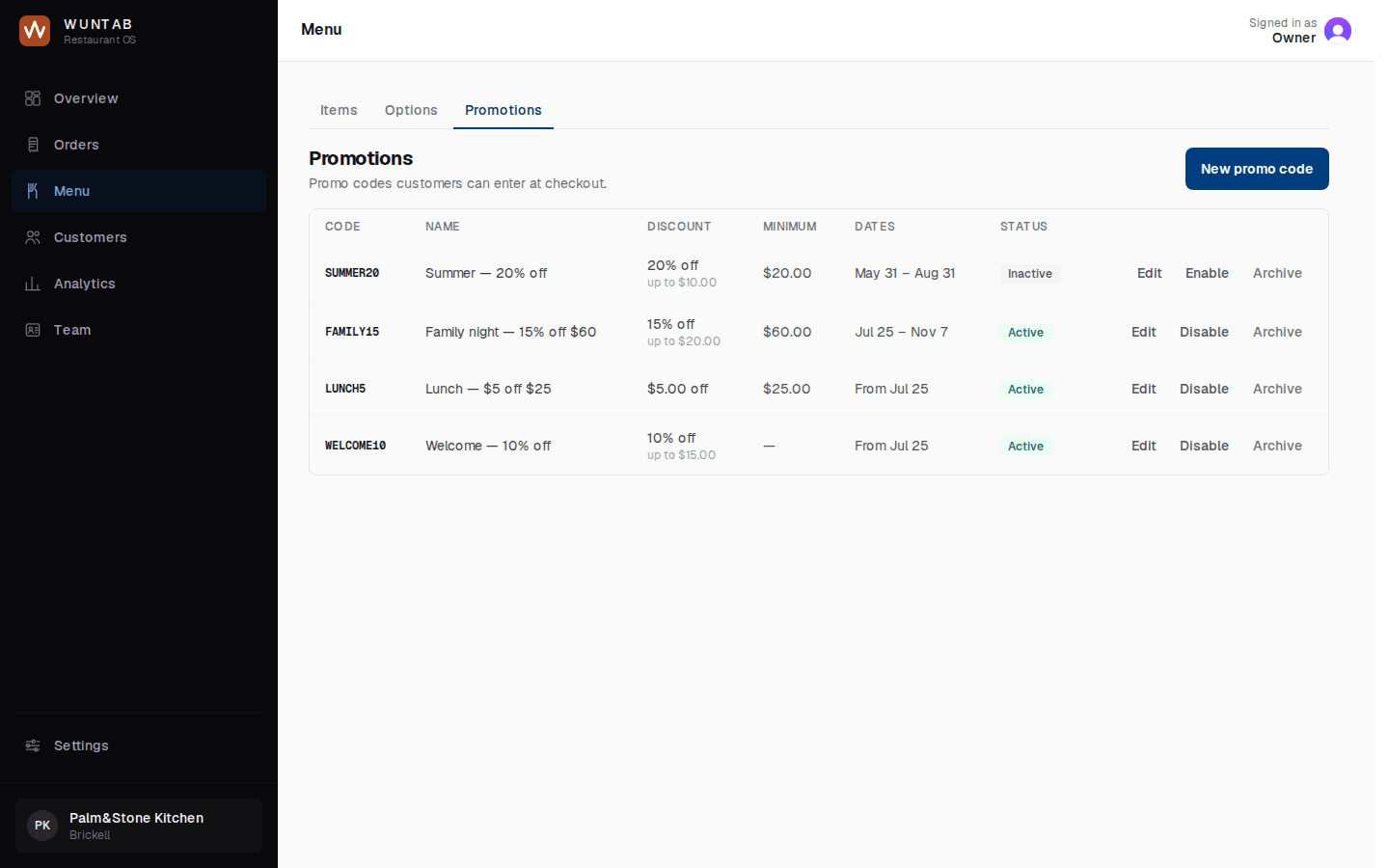
Promo codes, set up in your dashboard
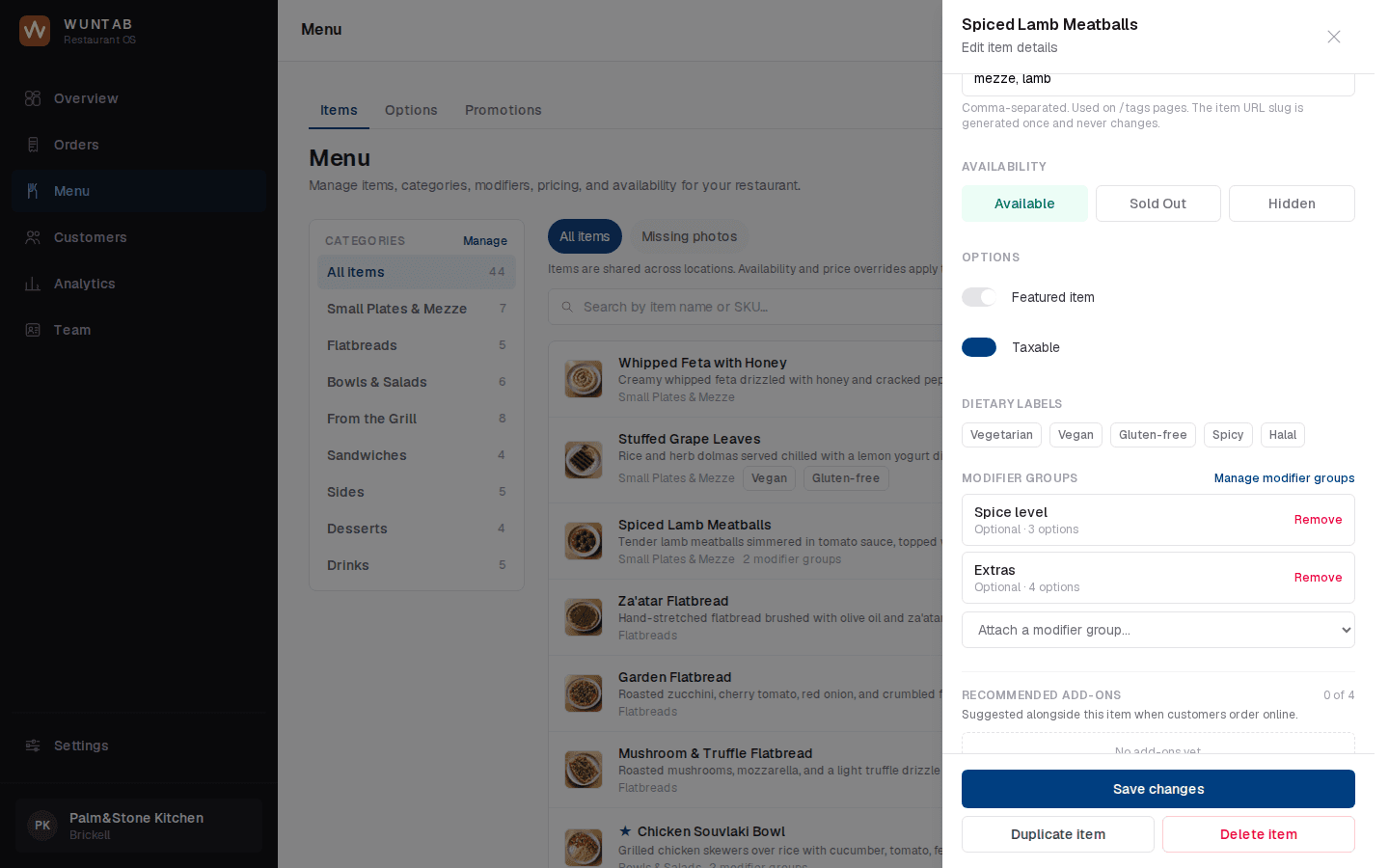
An item's availability, sold out, and modifiers
What's included
Your restaurant is the brand from the first tap to the thank-you screen. WunTab stays in the background.
- Pickup and delivery ordering
- Scheduled orders for later today or another day
- Your full menu with photos, modifiers, and add-ons
- Promo codes
- Tips at checkout
- Smart upsells that suggest the extra naan or the drink
- Customer accounts with favorites and one-tap reorder
- Order tracking and automatic order updates for the customer
Works with
- Online MenuA menu people can order from.
- DeliveryOffer delivery without your own drivers.
- Smart UpsellsSuggest add-ons while they order.
- Loyalty & RewardsGive regulars a reason to come back.
- Order ManagementEvery order from new to done.
Questions owners ask
Can customers order for later?
Yes. Customers can order for as soon as possible, or pick a time later today or on another day.
Where do the orders go?
Into your POS. If your POS isn't compatible, orders go to a kitchen printer. Every order also shows in your WunTab dashboard.
What does the customer pay?
Your menu prices, tax, any tip, and a 5% service fee shown at checkout before they pay. You pay nothing.
Take control of your restaurant's direct business.
A short call. We will show you WunTab on your own menu.