Change the menu once. It changes everywhere.
Edit a dish in one place. Your website and online ordering show it the moment you save.
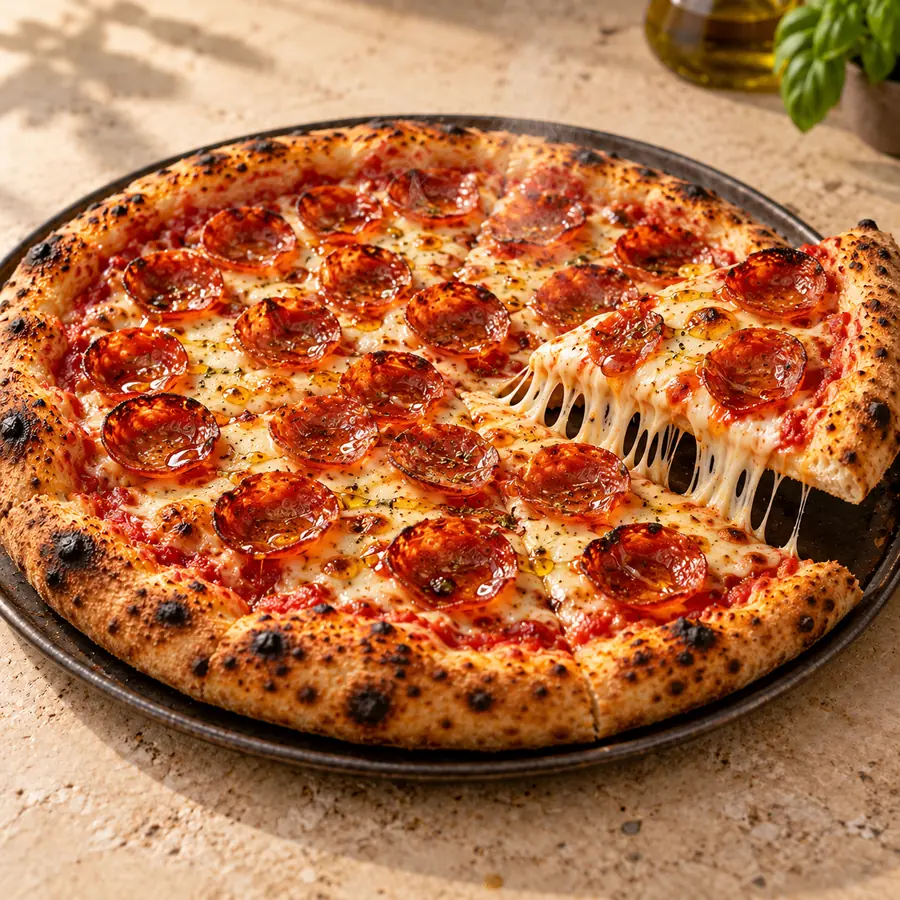
The menu editor in the WunTab dashboard: the demo restaurant's Pepperoni Pizza with its photo, name, category, price, availability set to Available, and its two modifier groups, Size and Extras.
How a menu change goes live
- 1
Open the dish in your menu editor
- 2
Change the price, photo or availability
- 3
Save
- 4
Your website and online ordering show it straight away
What's included
- Dishes, categories and descriptions
- Photos
- Prices
- Modifier groups, like spice level and extras
- Available, Sold Out or Hidden, per location
- Dietary labels: vegetarian, vegan, gluten-free, spicy, halal
Questions owners ask
Is there a publish button?
No. Save the dish and the change is live on your website and online ordering.
Can a dish be sold out at one location only?
Yes. Availability is set for each location.
Take control of your restaurant's direct business.
See a live restaurantDemo restaurant(opens in a new tab)20-minute call. We show WunTab on your own menu. No pressure.